v1.6 focuses on three things: sharing what you make, picking up where you left off, and removing the wait times that break your flow.
Cookups
You built something cool with your mentor. A chord progression that surprised you. A drum pattern that locked in on the first try. A full arrangement that came together in ten minutes.
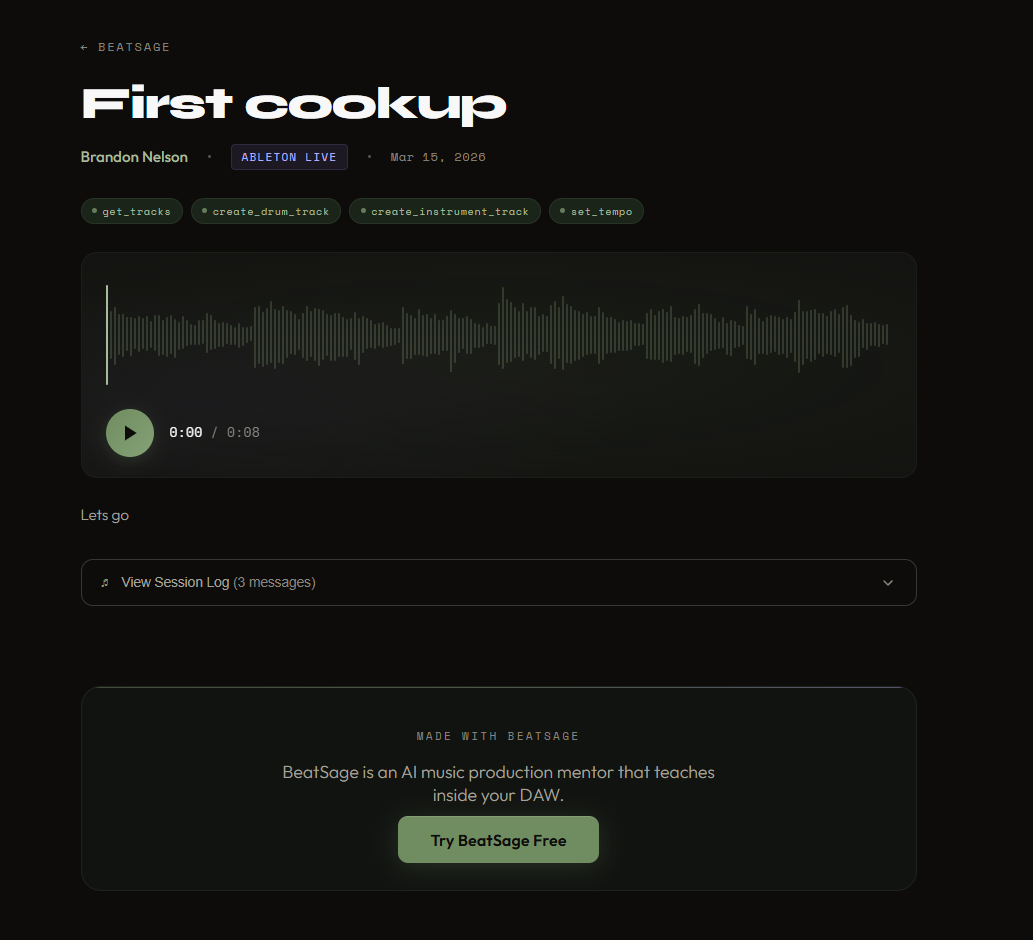
Now you can share it. A cookup captures your session (the conversation, the tool calls, optionally an audio bounce) and gives you a public link. Send it to a friend, post it in a forum, drop it in your Discord. Anyone with the link can see the full back-and-forth between you and your mentor, step by step.
Each cookup page shows the chat log alongside the audio player, so viewers can follow along with exactly what was said and done. It's a replay of your creative process, not just the final result.
Cookups are public by default with a privacy toggle. Your sessions stay private unless you choose to share them.
Here's one from our first test session: Hello World Cookup
Session Management
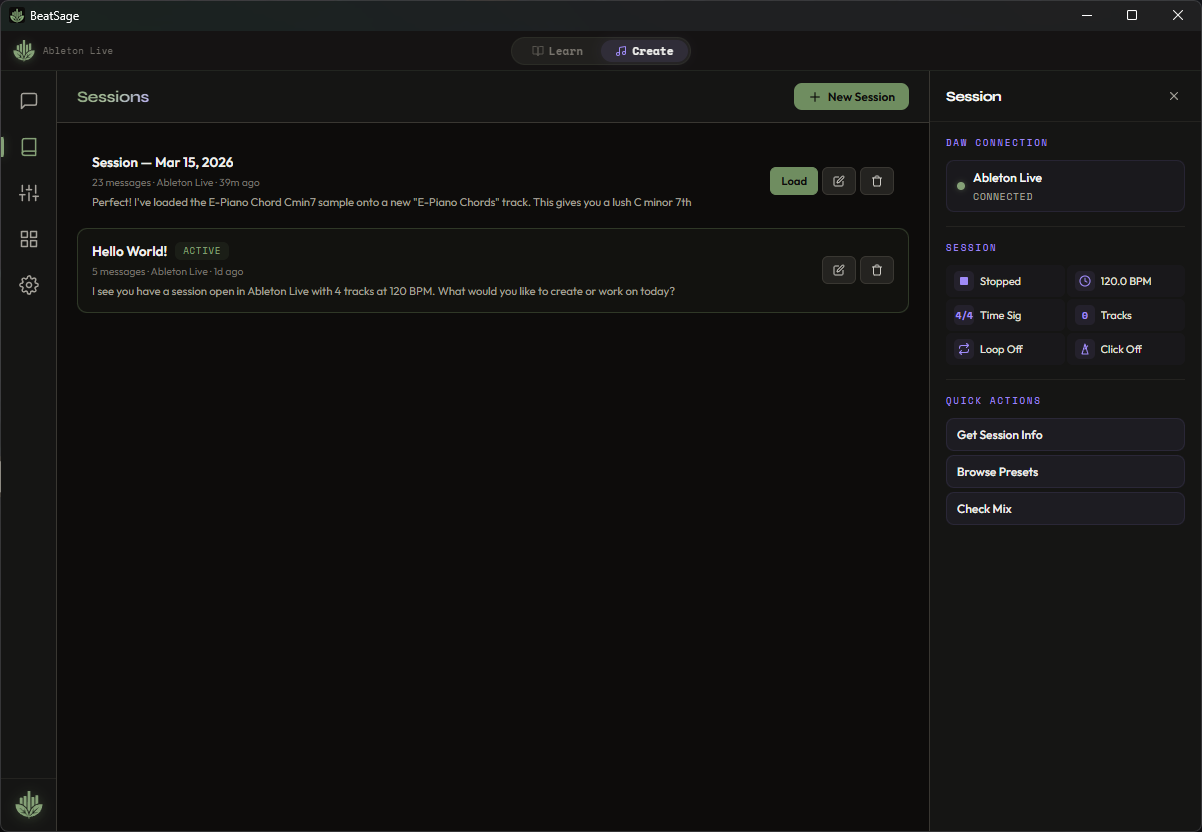
BeatSage now saves your Create mode sessions automatically. Close the app, restart your computer, come back three days later. Your conversation history, tool call log, and context are all restored when you reopen the app.
The Session Library in the sidebar shows your saved sessions. You can browse previous sessions, resume any of them, or start fresh. Each session remembers which DAW you were using, what tracks existed, and what you were working on.
This pairs with the existing lesson persistence in Learn mode. Between the two, nothing gets lost when you close BeatSage.
Reliability and Performance
A batch of fixes based on real-world testing in Create mode:
- Faster sample search. Large libraries should hopefully no longer freeze Ableton during browser searches. Results come back in under 10 milliseconds.
- Your mentor puts notes on the right track. When you say "add chords to the Pad Chords track," the server verifies the track name matches before writing. No more notes landing on the wrong track.
- Your notes are safe. When you say "the notes are messy," the AI fixes timing and pitch in place instead of deleting and starting over. Destructive changes require your permission. Every edit saves a snapshot you can undo with "bring them back."
- Smoother updates. The auto-updater now ensures Ableton loads the latest version of the BeatSage script on every update.
What's Next
Interactive browser cards for sample loading (pick from search results instead of hoping the AI copies the right URI). macOS build of v1.6. More lesson content.
The update is live now. Existing users will see an update prompt on next launch. New users can download from beatsage.ai.